

Today, we’re announcing linked interactivity: the ability for the Data Agent to respond to filters and selections in the dashboard.
Most SaaS products struggle to show customers their own ROI. The Ridge Data Agent gives users the magic of AI: a free-text chat that lets them ask any question. And now they also have the control in the Data Agent that you would expect from a dashboard, allowing them to answer more sophisticated questions. It's the best of dashboards and AI chat, together.
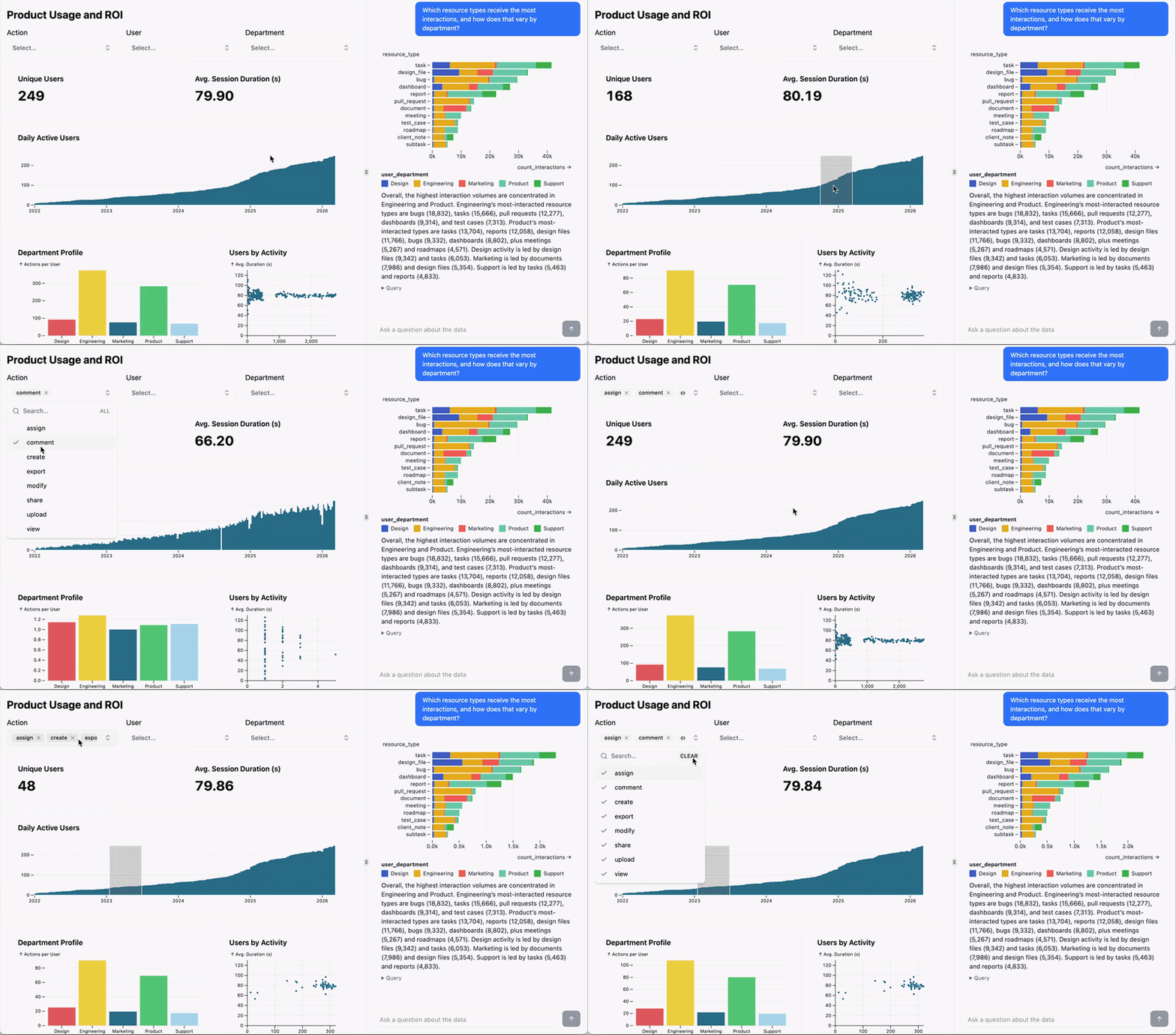
Linked Interactivity: Context Control between Dashboard and Agent
Users can now control how dashboard filters shape the Data Agent’s answers with linked interactivity. This uses Ridge’s unique Mosaic-based architecture to bring the interactive power of dashboards into conversational analysis. Users can visually link changes from one panel to the other, increasing the explanatory power of both the dashboard and the agent.
This also means users can get more out of each Data Agent response with an intuitive UI that already lives right on your dashboard. If you've built your dashboard to make sure your customers always see a certain filter, for example on Action, you can make sure they see that filter for data everywhere.
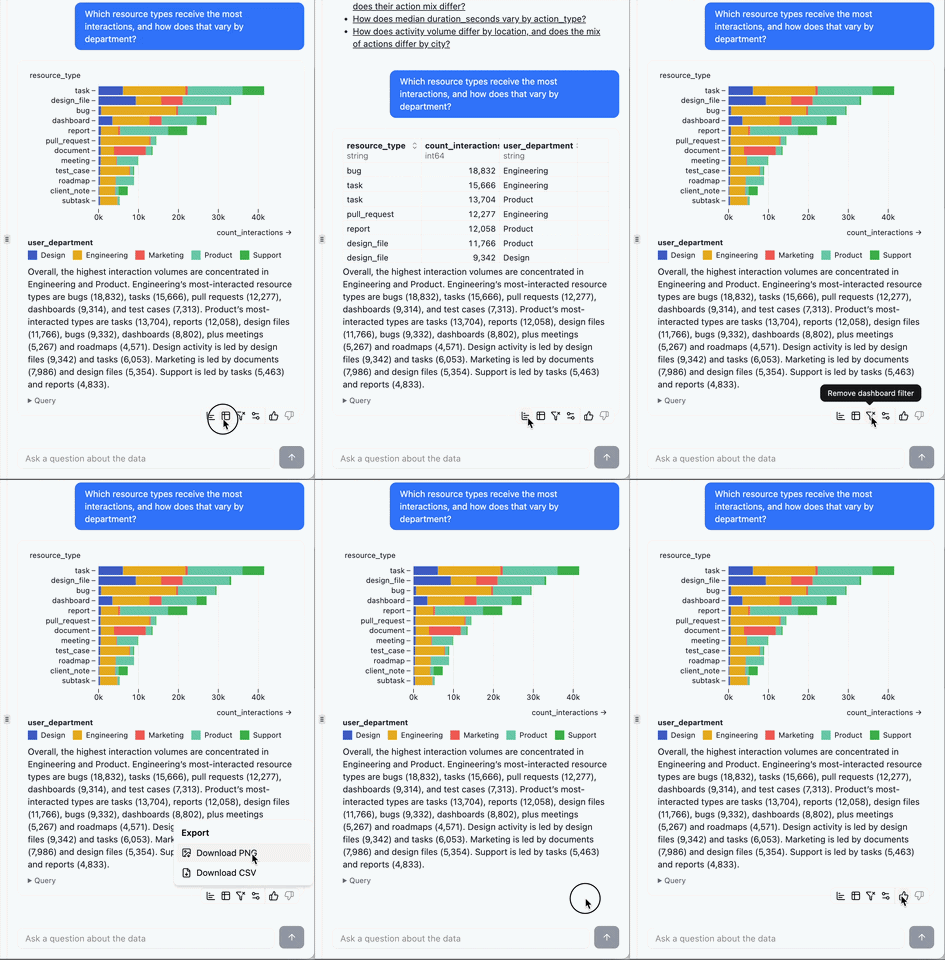
Linked Interactivity is off by default so that users don't accidentally misinterpret filters. To turn it on, simply click this icon on the new toolbar:

New Data Agent Toolbar
Speaking of the toolbar, if you’ve been using the Data Agent over the last few weeks you’ll have noticed a new one:

In addition to toggling linked interactivity, you can now switch between table and chart and download to .csv or .png. Try it out and let us know what you think!
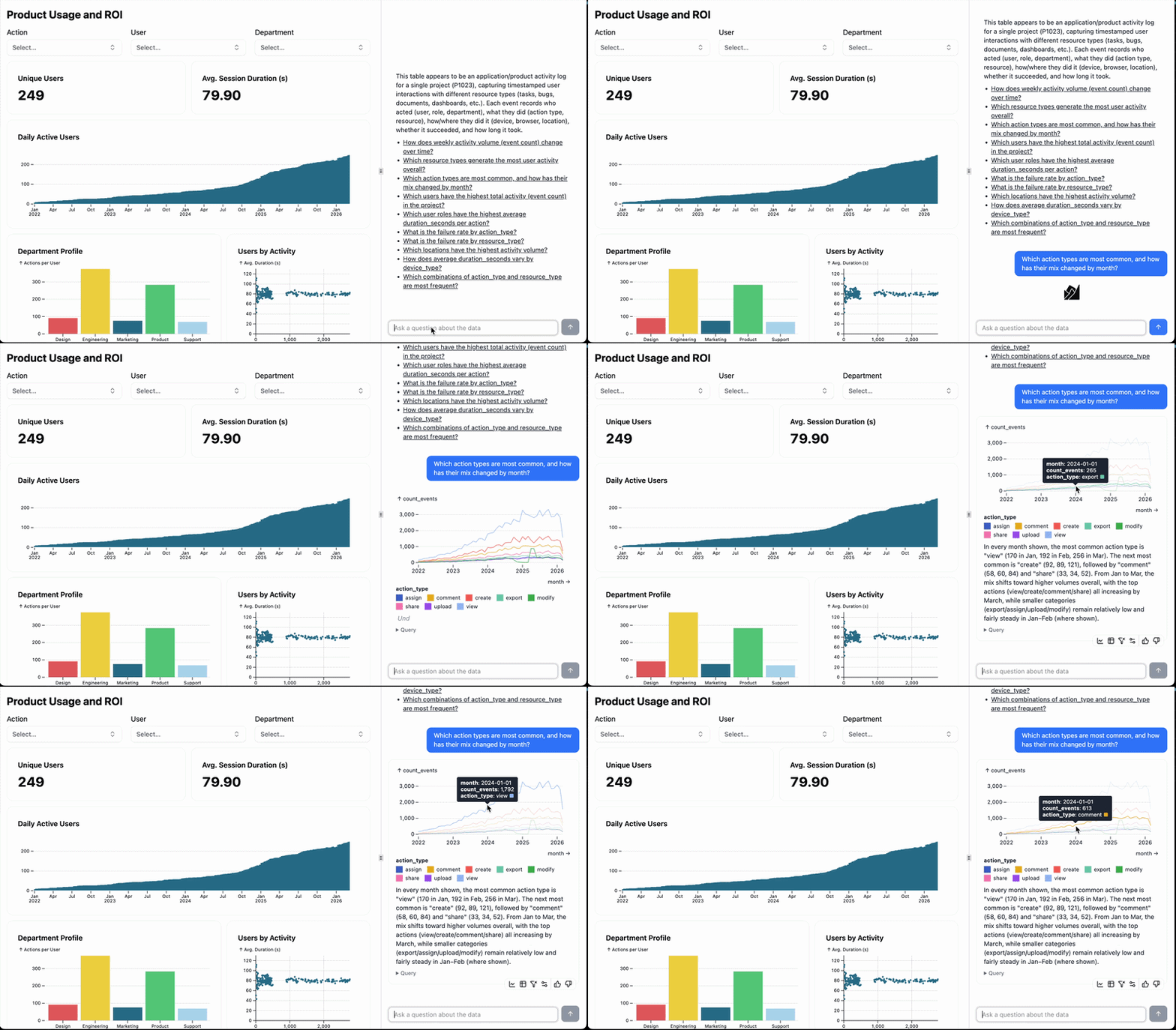
Answers to Complex, Real-World Questions
The Data Agent now produces better results with real-world, complex questions, a result of our focus on comprehensive evaluations and guardrails for AI-generated SQL:
Performance and Craftsmanship
Other changes you’ll see in the Data Agent:
- Improved performance: chart loads faster, context comes later
- Tooltips are never clipped (and look sweet as well)
- Overall visual styling upgrade
The truth is, AI magic is not really magic. It takes care, design and attention to quality to deliver it. And it only works when users trust it.
Ridge is innovating in data evaluation, performance, and workflow design so that you can show your customers outcomes, not just ship dashboards. This means fewer custom dashboard requests for the product team and customers who can better understand the value they’re getting from the product.