

One of the oldest tensions in product design is the one between power and ease of use.
Add more features? Great, but it gets harder to use.
At Ridge, we’re determined to find ways to give people what they need analytically while keeping the product discoverable and intuitive.
AI is a big part of how we move the power-complexity curve. AI lets people access multiple capabilities via natural language, rather than an affordance for each capability. Ridge AI’s Build Agent engages users at the business value level and then builds a best-practice dashboard for them.
But AI isn’t everything. Industry Analyst Andy Cotreave, among others, have argued that a chat bot is a terrible interface for a lot of data work. Some old concepts still work. Just pointing to what you want is one of them. It’s more fluid and gratifying and also much easier to learn and use.
That’s what we call Direct Interaction. Here’s all the ways you can work with Ridge directly:
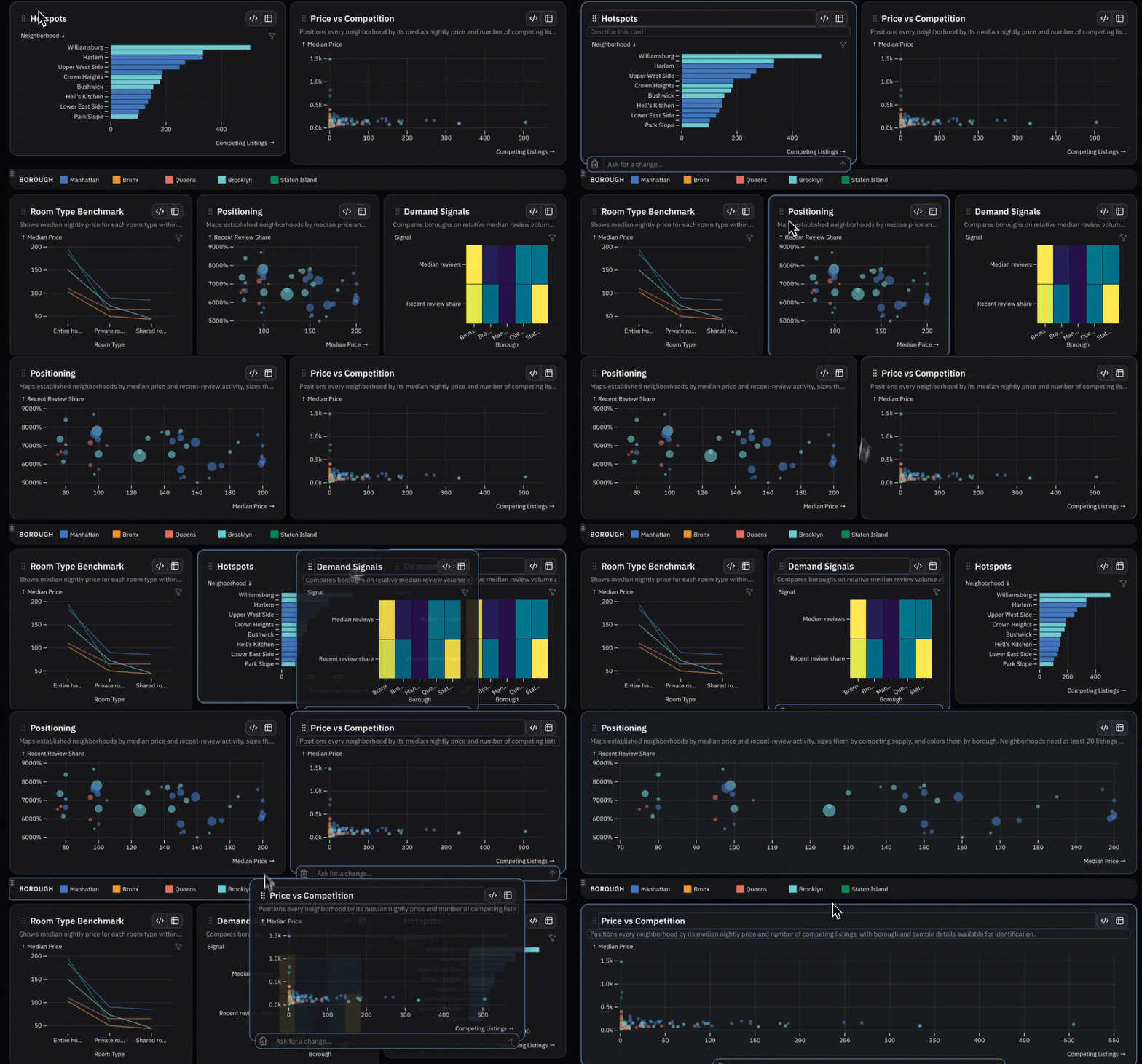
Rearrange the layout
Imagine trying to tell an agent, “Move the chart from the lower left to the top position, but make it full width.”
Life’s too short. In Ridge, just drag it:
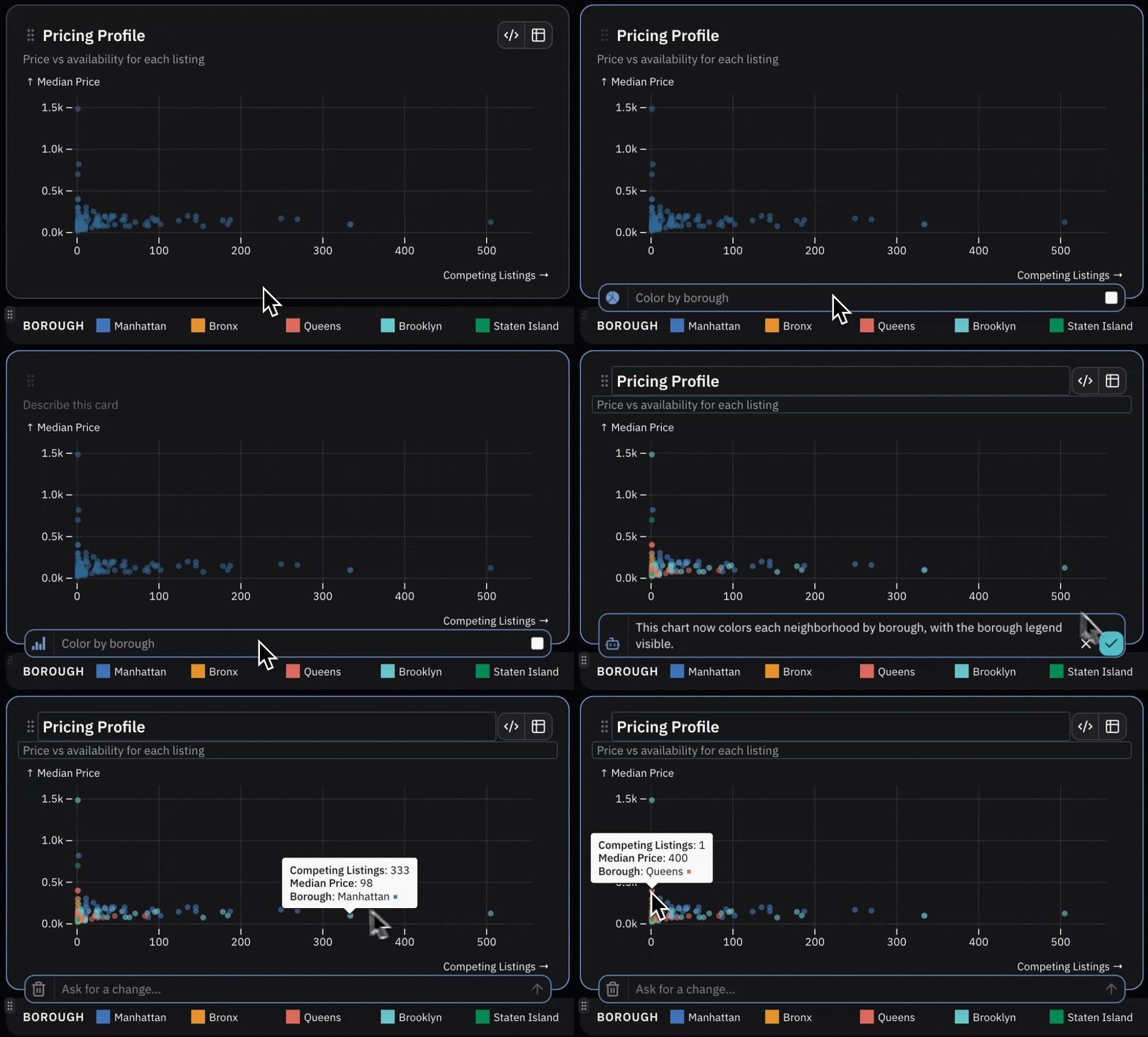
Edit a chart
The Build Agent chat interface lets you work across the whole dashboard at once– for example, to change colors everywhere. But sometimes you just want to change one chart. You don’t want to have to look back and forth across the screen from chat to dashboard. Just select the chart to edit, and now you can invoke the Build Agent right there for a change scoped to that chart.
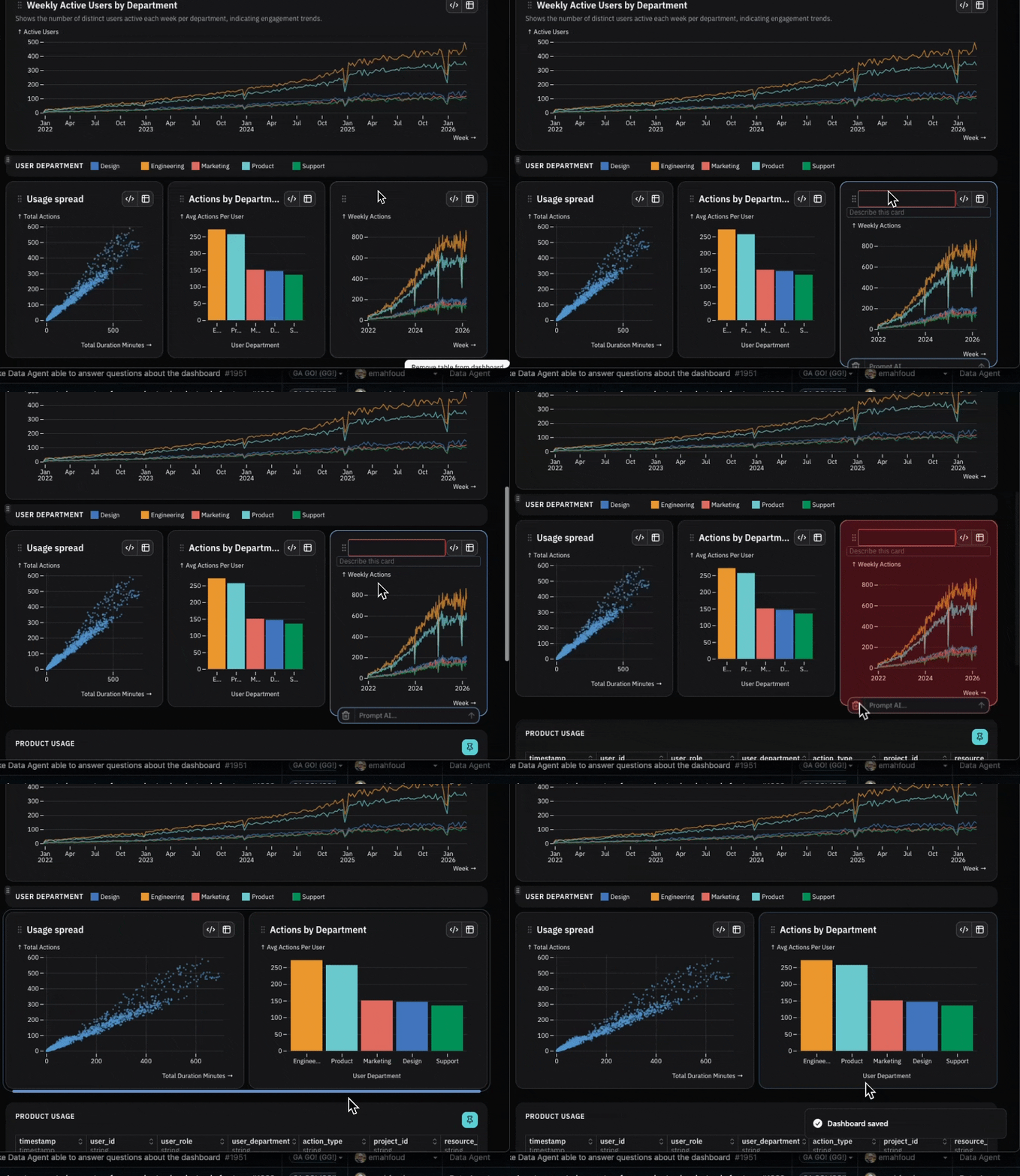
Delete a chart
Hate a chart? Select and delete. It’s so satisfying.
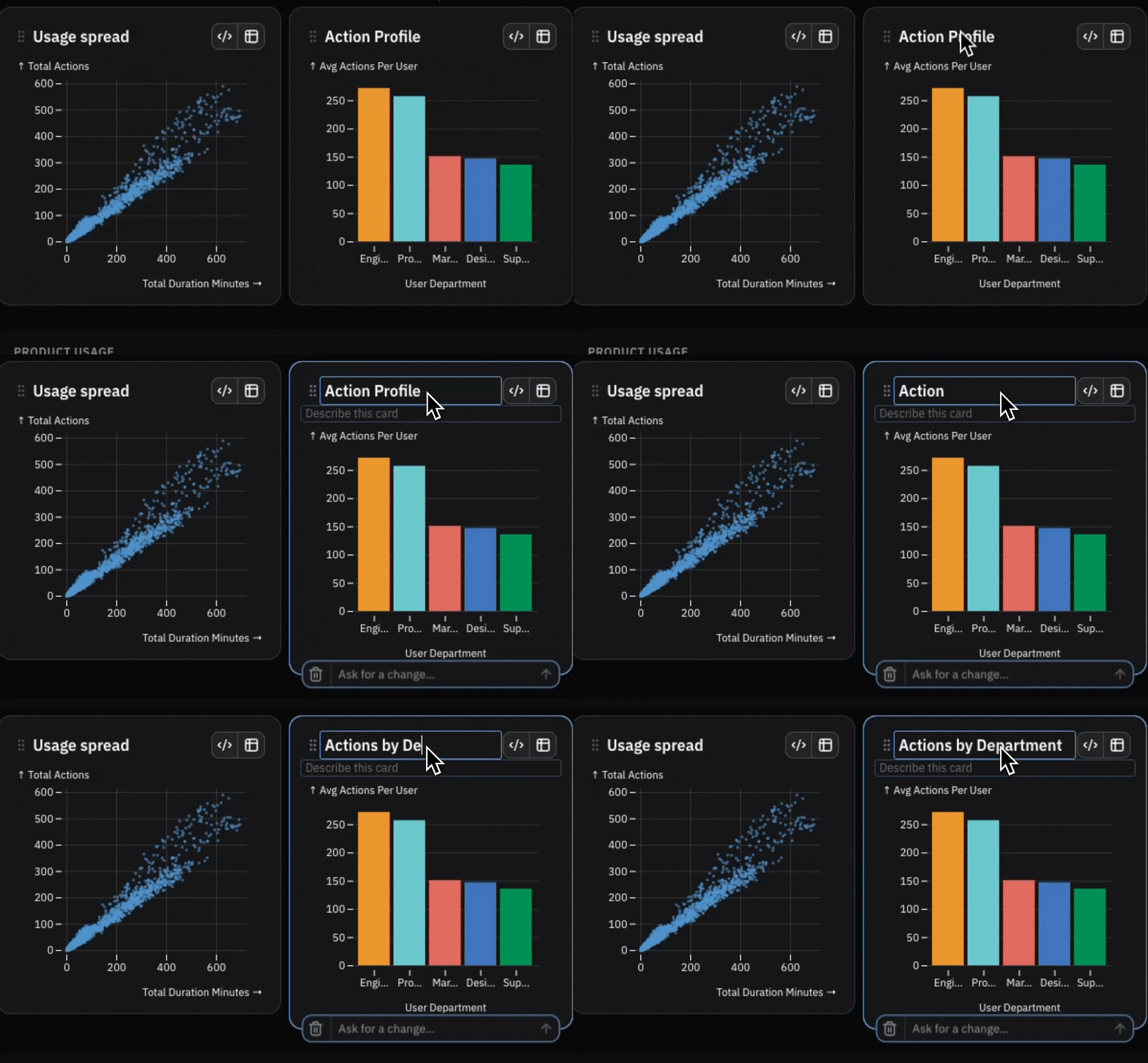
Edit tiles and text
Click into titles and descriptive text to edit them directly. Seriously, editing text is one of the most annoying things to have to do in a chat bot. Direct edit also works for the dashboard title, subtitle, description, metric titles, and even filter titles.
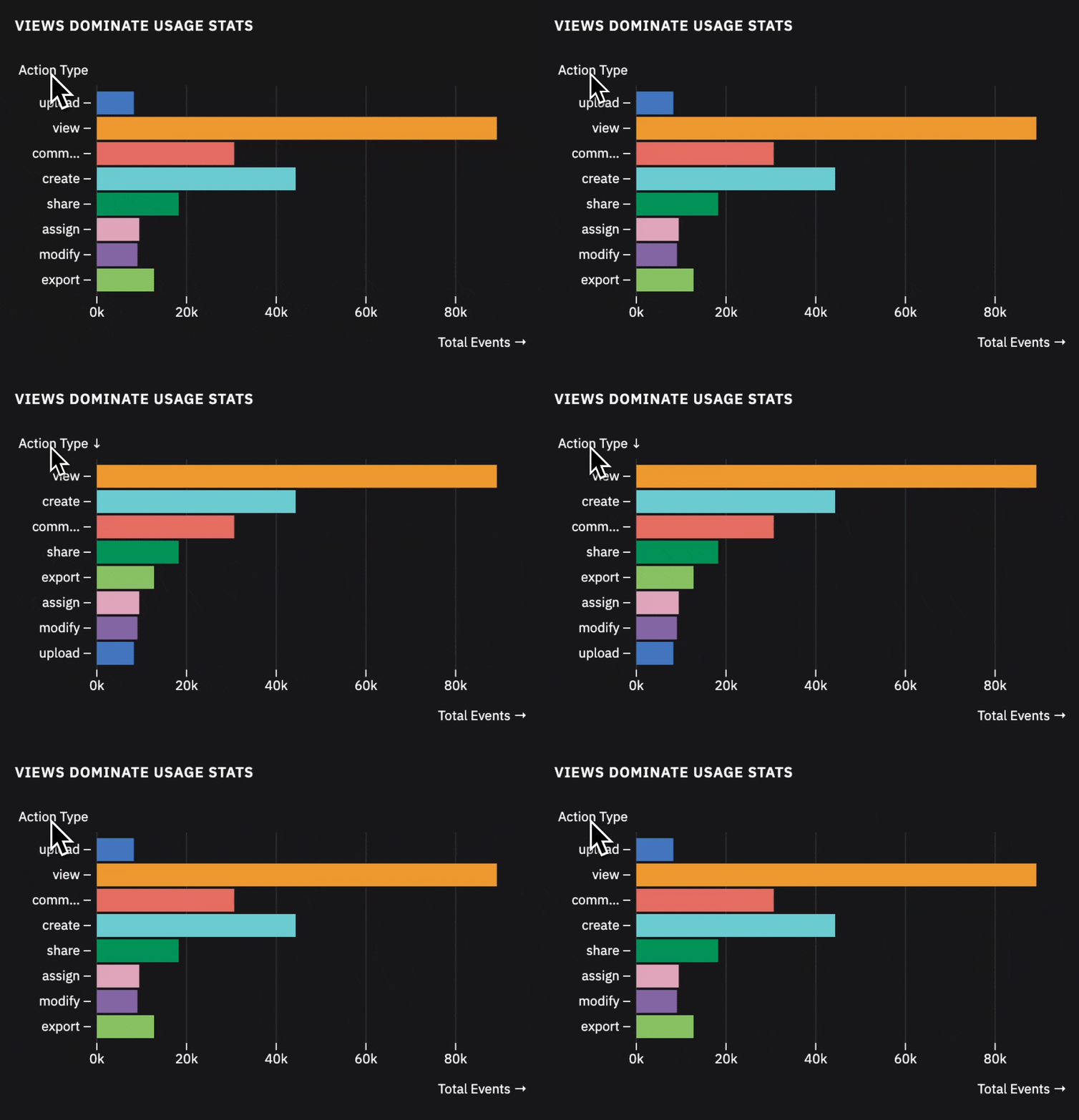
Sort
The little arrow affordance on axes? Click to sort. AI need never get involved.
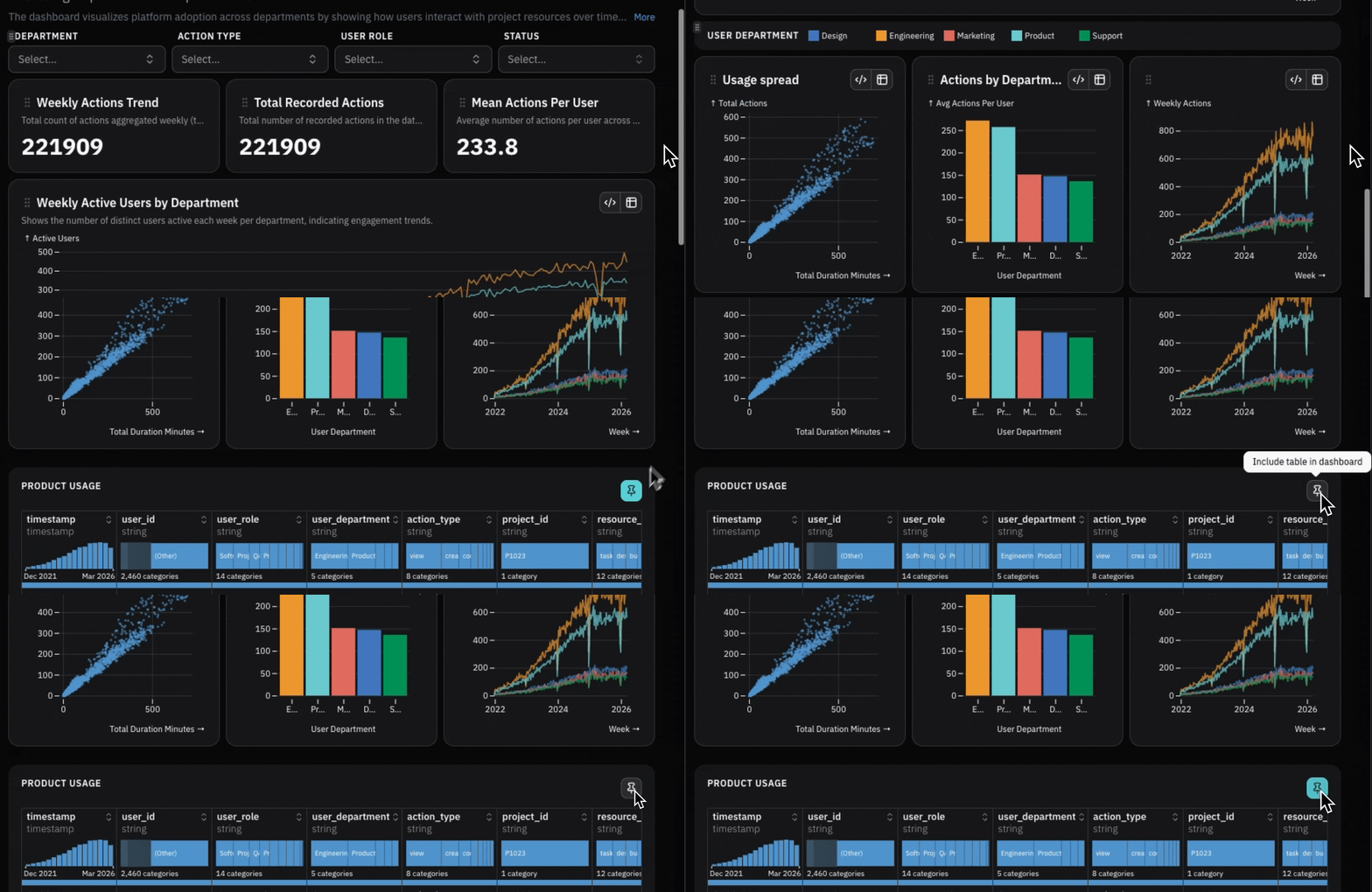
Include or exclude the data table
Sometimes you want end-users of the dashboard to see the data. Sometimes you don’t. Just click the thumbtack to choose.
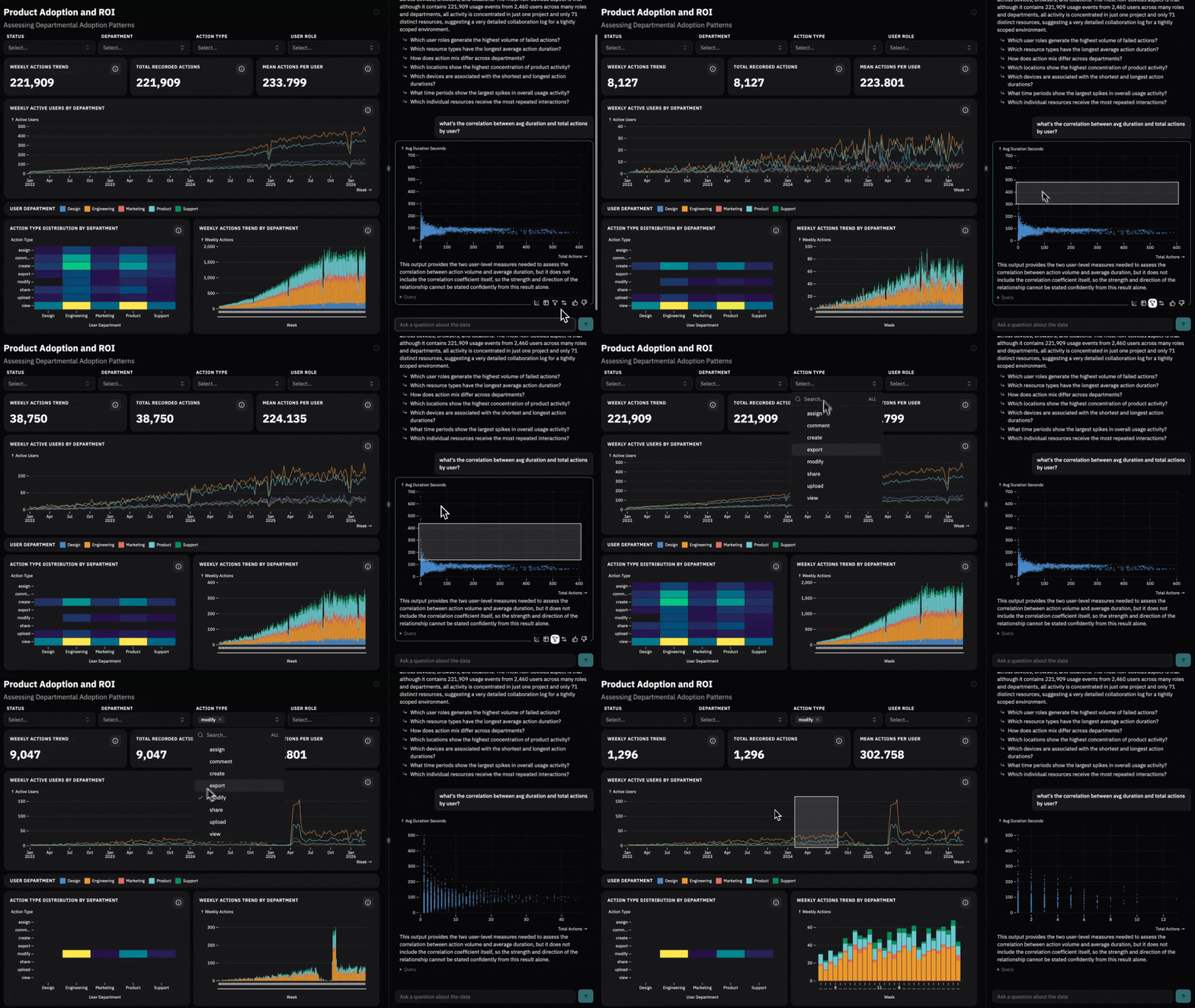
Select and interact
And of course, in Ridge you can always touch the data to select it.
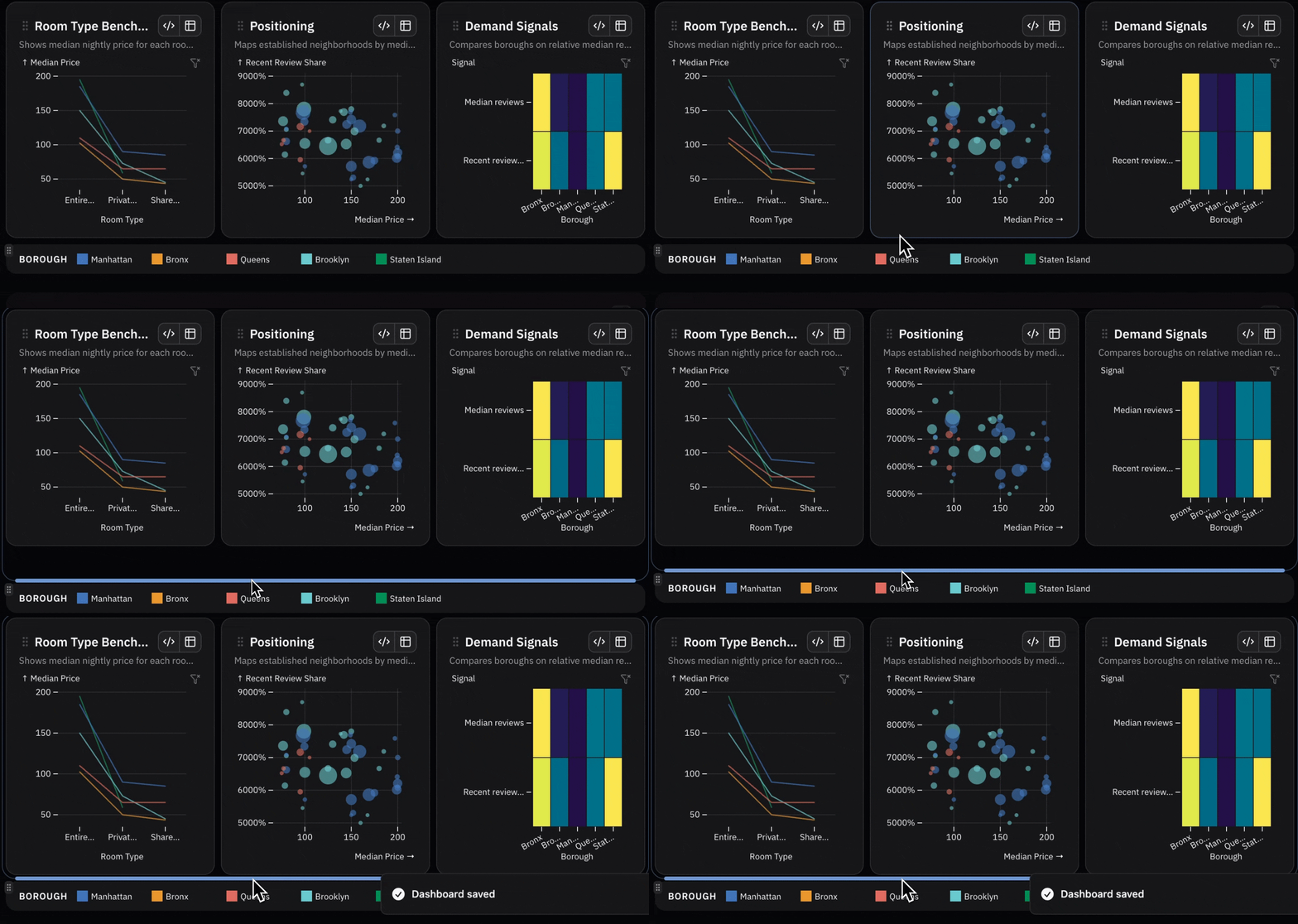
Resize rows
Make it bigger, make it smaller. Just drag:
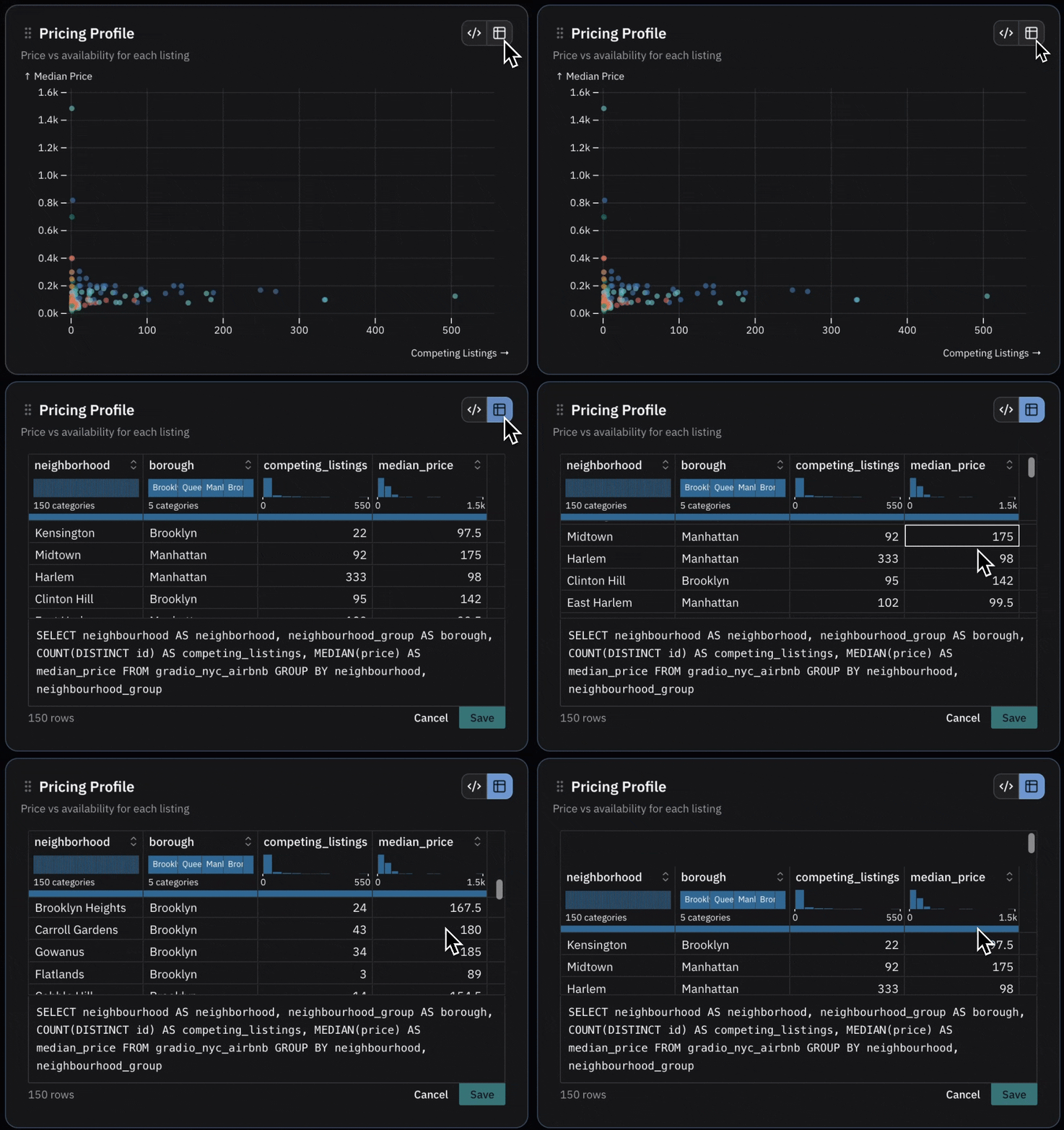
Access SQL
Still here? Well, you must want to view and edit the SQL in the charts directly:
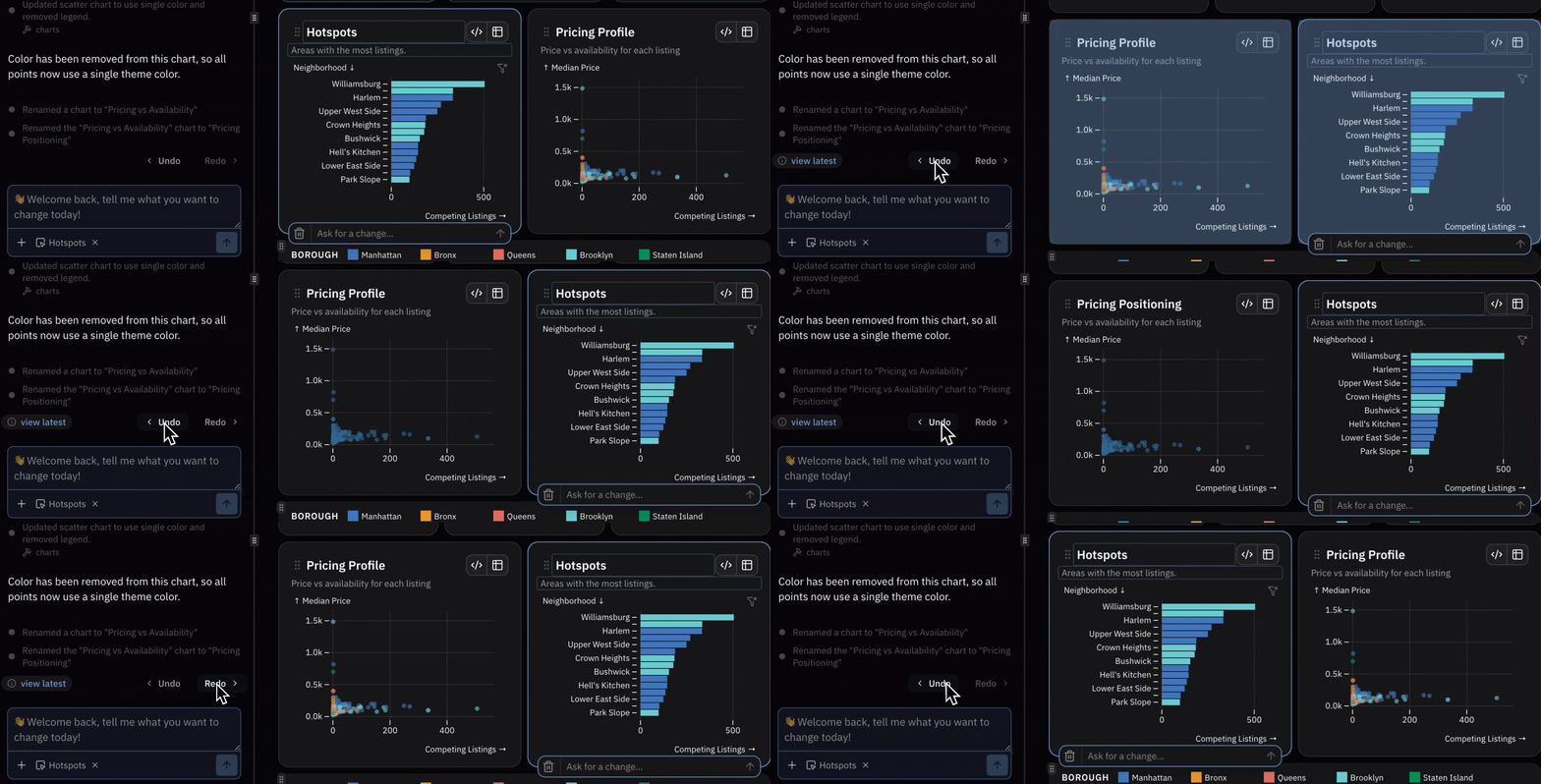
These are all in Ridge AI today. And they’re worry-free. Made a mistake? Unlimited undo-redo lets you explore safely!
Watch the Build a Ridge tutorial to see it in action.